Insight
Pothole and Crack Detection on Mobile Device
Published on January 05, 2026
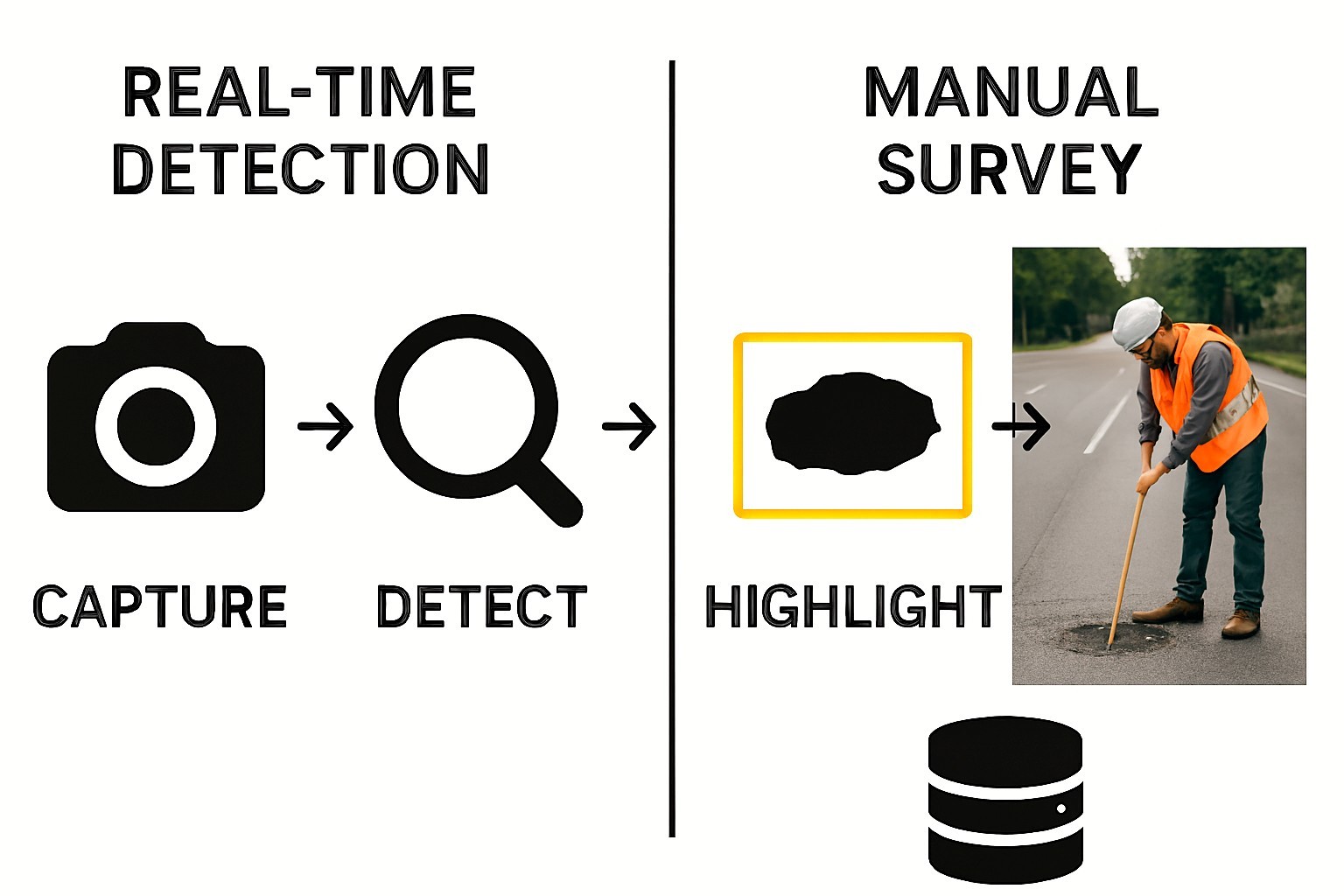
One of the most common types of road damages are the potholes and cracks leading to increasing risk of the road accidents and cost of maintenance. The manual surveys are time consuming and can cost a lot of money and are also not up to the mark.
To bypass all the problem the object detection models like mobilenet or yolo can be finetuned for the road damage detection using custom dataset and deploying them onto the mobile devices enabling the on device processing bypassing the server side processing that is expensive.
Methodology:
● Choose any relevant object detection model.
● Create a custom dataset to train the model for as many types of classes you want.
● Train the model for mobile devices in nano version and export this in the TFlite or ONNX format.
● Check for the output and input of the model which provides us with the shape of data for both input and output tensors.
● The model can be trained on two types of images:
grayscale and RGB.
The model can be used in the mobile app by using the tensorflow.js format of the model which gives us the model in the json format and its weight in a bin file and a .yaml file . These files are necessary to create a fully working platform. Now select the framework which we need to develop for the app here we choose the react native or flutter.
Image Processing
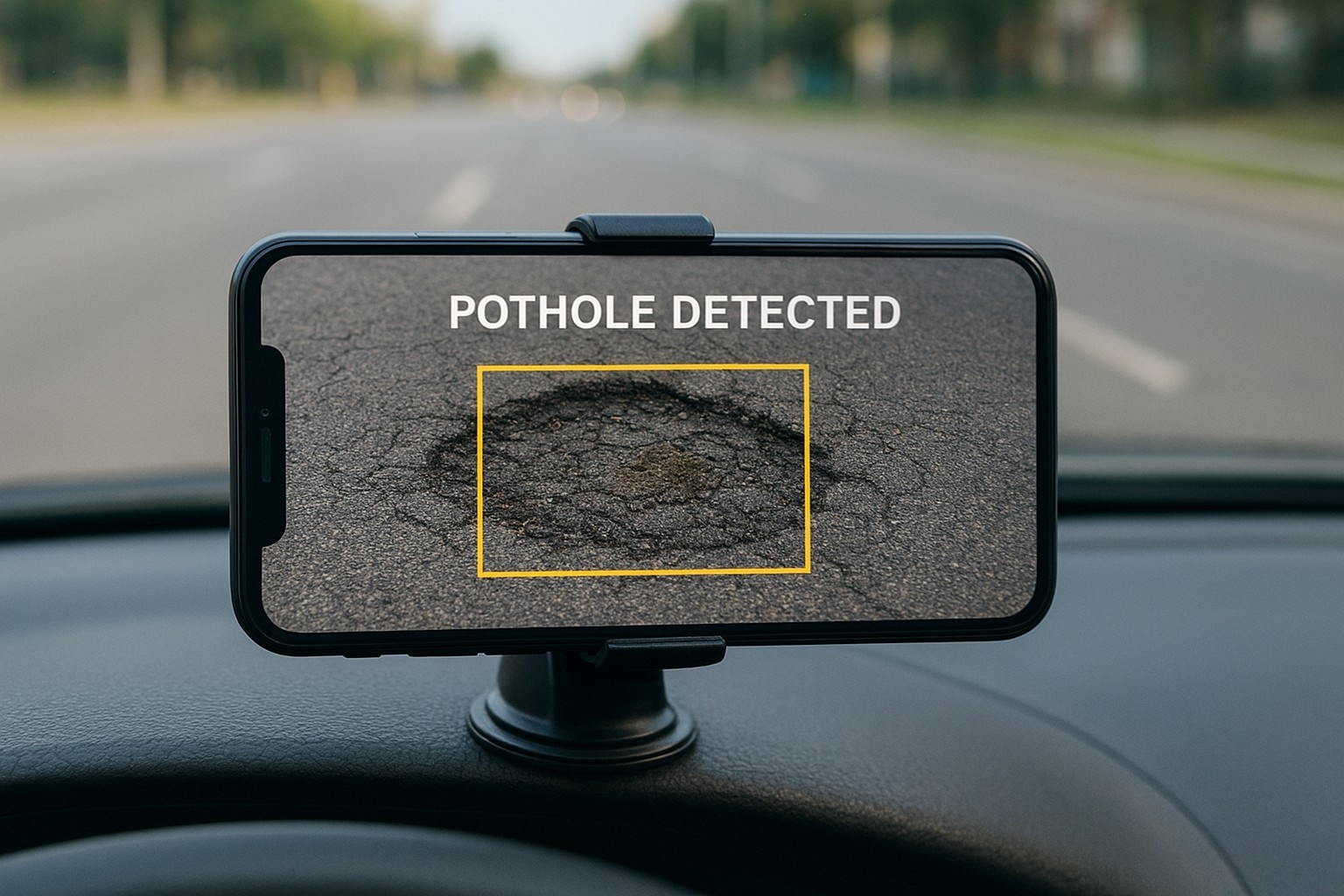
For a single image processing where an image is captured and then its processed for the damage detection then the Expo managed workflow can be used as it can be easily combined with expo camera and expo image manipulator library to manipulate the image for the model input size and only a single input tensor is needed to produce by the model. The output image produced can be saved and then saved and sent forward for the storage or backend storage.
Video Processing
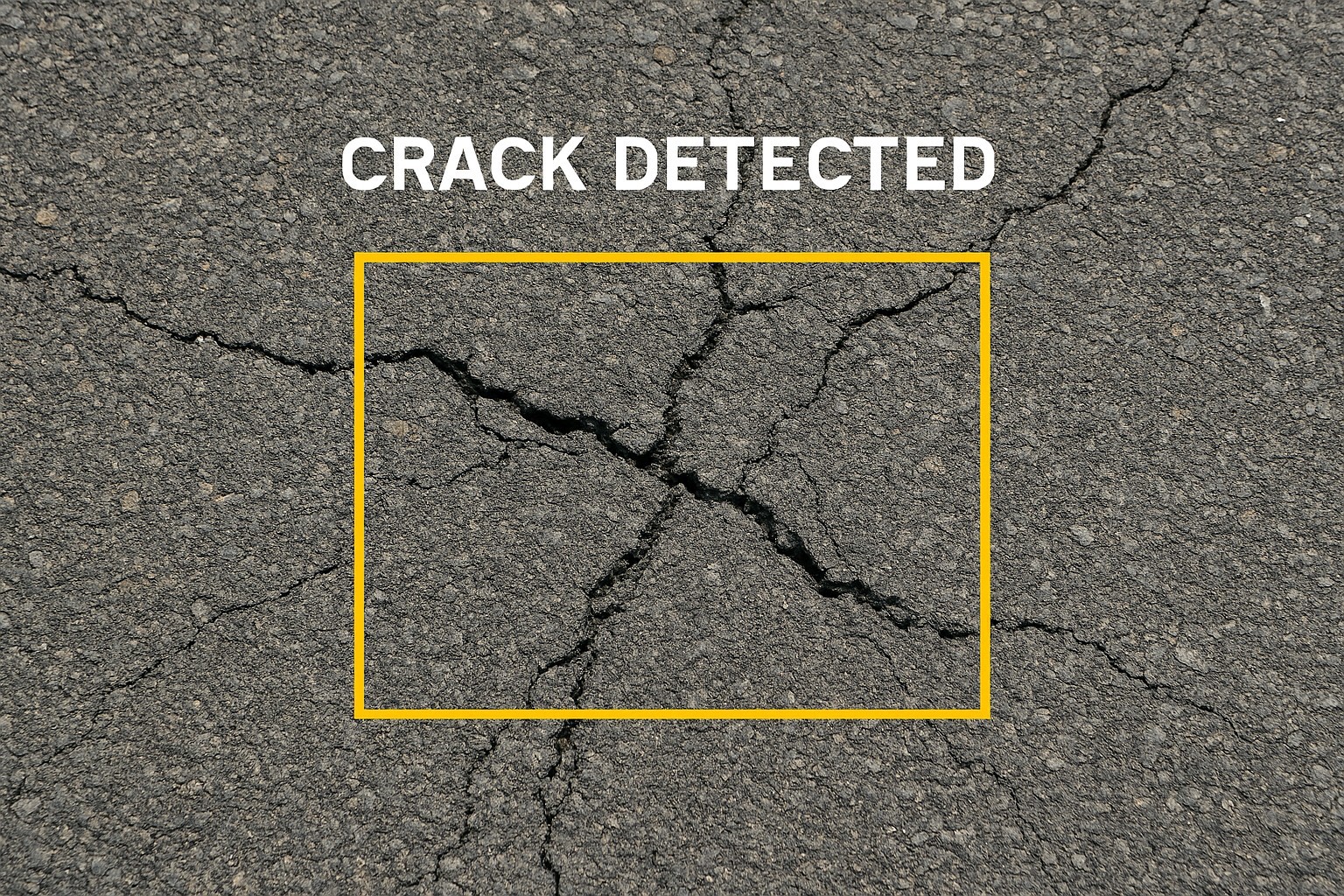
For video processing where the data need to be processed in the real time, so need to select the correct development. For video processing it is necessary to use a nano model which is trained to produce tensors. The number of images which is going to get processed increases the more memory it consumes. So the tensor with 1 image is best for real time processing and 3 is best for offline processing where more than one frame can be processed simultaneously.
The data can be saved in a json format document which can contain two things timing with what has been detected and for each detection there can be a snapshot of the screen which can be the images edited with supporting library cause the data which can be used to take coordinates of the bounding boxes or the shape which needs to be drawn is in the output tensors produced and that will be a large chunk of memory to store i.e. for 1 second of clip there is going to be around 30 frames and the size of those tensors is going to be around 31 Mbs which is going to crash the app so alternatively we can store the snapshot along with what has been detected based on the timing in the json document which is less storage consuming
There are various types of challenges which can be faced are divided into two categories as while app development and while using app.
● While App Development:
Version Conflict: Finding the right packages which align with all the versions and not cause any version conflict
● Real World Usage:
Lighting Variations: Night time or shadowed roads may reduce detection accuracy.
Device Constraints: Older smartphones may struggle with real‑time inference.
Data Diversity: Models must be trained on diverse road conditions to generalize well.
Battery Usage: Continuous video inference can drain battery; frame sampling strategies help mitigate this.
👋 Hi! I'm Hanu AI

Hanu AI Beta v2.0
Your AI assistant